Milo Email Studio is a drag-and-drop email builder for people who want on-brand emails without a developer or an afternoon in their ESP's builder. You get the email right here, then run the campaign from your own ESP: export HTML or MJML, or, if you're on Zoho Campaigns, push it straight over as a draft.
Each workspace is a Clerk organisation. Your brand kits, images and emails live there, and anyone outside the workspace can only see an email if you send them a preview link.
Start with a blank email or a starter
You never start from nothing unless you want to. A blank canvas gives you the default blocks. Welcome, Promo, Newsletter and Event come with a headline, some copy and a button already in place. If you've got the file already, import the HTML or MJML.
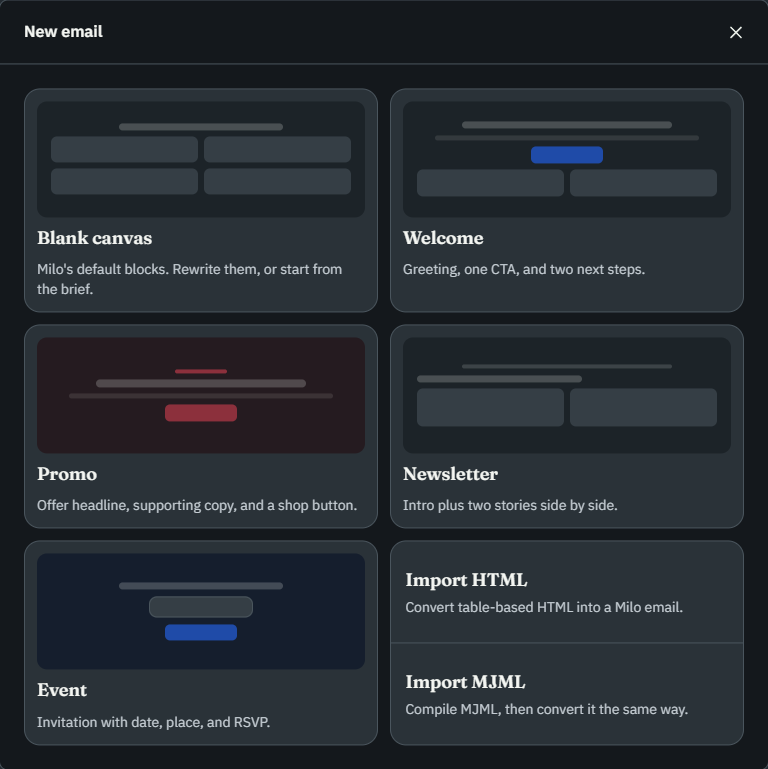
From there, rewrite the blocks yourself, or tell the AI designer what to change.
Describe the email, then edit the canvas
There's no prompt to learn. Tell the panel next to the canvas what the email should do, in your own words or with a suggestion, and Milo drafts blocks onto the canvas. Every block stays editable, so a rewrite is a click and a move is a drag.
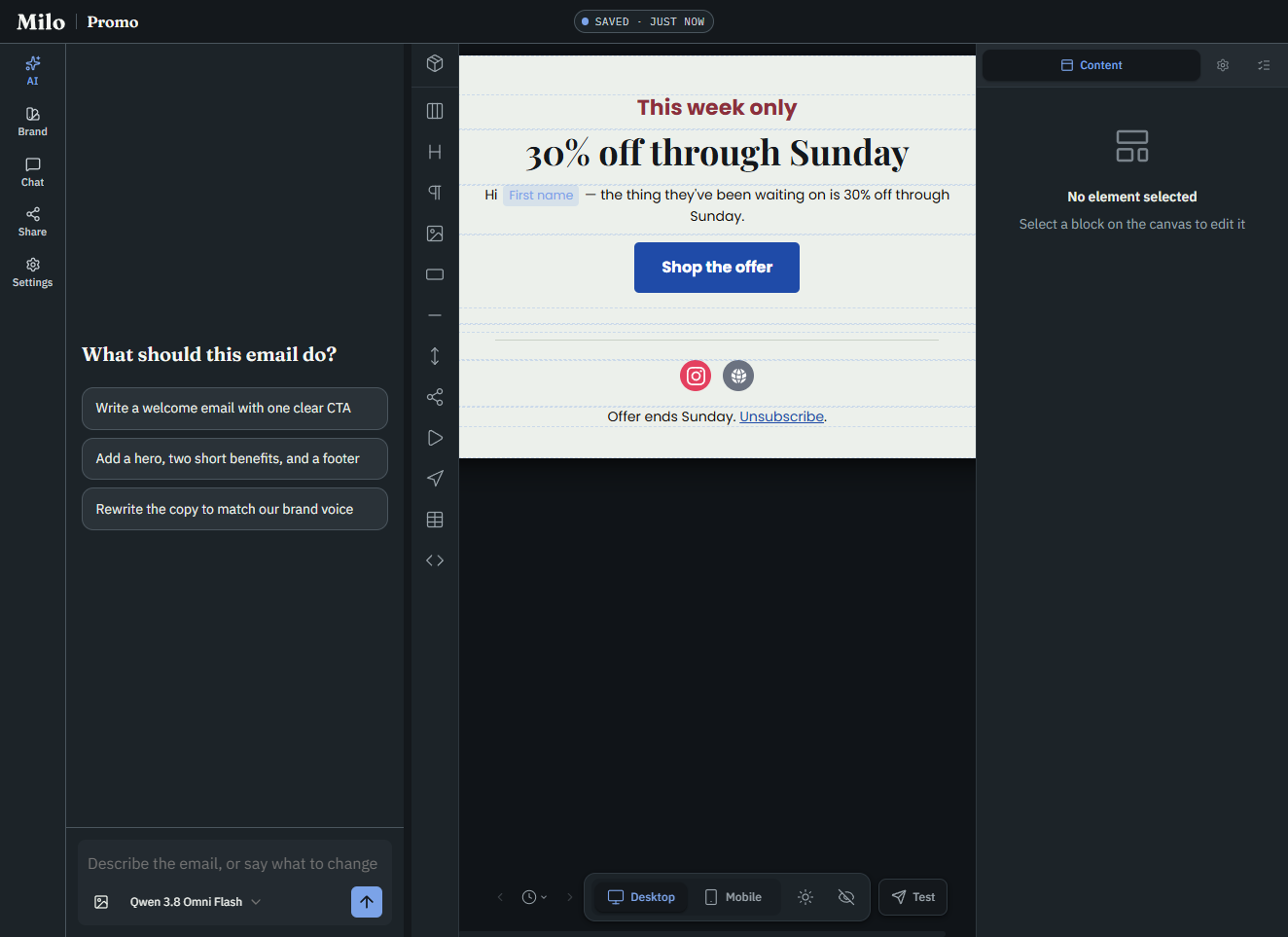
Desktop and mobile views and a dark mode preview sit right beside the canvas, so you see the phone and dark versions before anything leaves the studio.
Keep colour and type in the brand kit
Colour, type and buttons come from the brand kit, and every new block picks it up. When the colours need to change, change the kit. The words stay on the canvas. More in brand kits for on-brand email templates.
Send a test
You can see the email in a real inbox without going near your list. Test sends the current draft to an address on your account, with a subject that starts with Test. It's a copy for you to check, and your list never sees it.
Share and export
Sign-off and handoff live in one place. From Share you can create a preview link, or export HTML, MJML or a zip of the images.
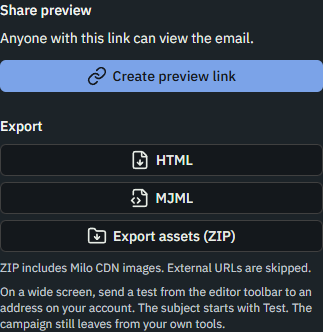
Anyone with the preview link can look at that email, but they can't edit it, and it doesn't take up a seat in the workspace.
The HTML or MJML goes into whichever tool you send campaigns from. The zip includes any images hosted on Milo. Images that already point somewhere else are left out.
On Zoho Campaigns you can skip the upload. Once an org admin connects the account on Integrations, you can push a finished email over as a draft campaign, complete with HTML, subject, sender and list or segment, then review it and send it from Zoho. Here's the walkthrough: design and push a Zoho Campaigns draft. Other ESPs use the file for now: export HTML or MJML to your ESP.
If you find yourself repeating the same steps, Flows can run them for you, now or on a schedule.
Free, Pro, and Team
Free is for one person. You get the canvas, starters, version history, test emails and HTML and MJML export, plus one brand kit, up to 20 emails, up to 50 media files and 100 AI credits a month.
Pro is also one person, but brand kits, emails and media are unlimited, and you get 2,000 AI credits a month. Invites, team chat and editor presence are on Team.
Team starts with three people, and you can invite them in. You get team chat, and you can see who else has an email open and which block they've selected. Brand kits, emails and media are unlimited, and the workspace shares 6,000 AI credits a month.
Extra seats are $12 per user, up to 10 seats in total, and each one adds 2,000 AI credits a month to the shared pot. Extra seats are only on Team. Current prices are on the pricing page.
Questions
Where does the campaign go after export?
Your test goes to an address on your account, with a subject that starts with Test. After that, export the HTML or MJML for your ESP, or push a Zoho Campaigns draft and send it from Zoho.
Who can open an email?
Anyone in the workspace can edit it. A preview link lets anyone with the URL view that one email.
Start one email
The quickest way to see whether Milo suits you is one real email. A blank canvas is plenty, and Welcome, Promo, Newsletter and Event are there if you'd like a headline and a button in place already. Describe it, change a block, and see it in your own inbox.